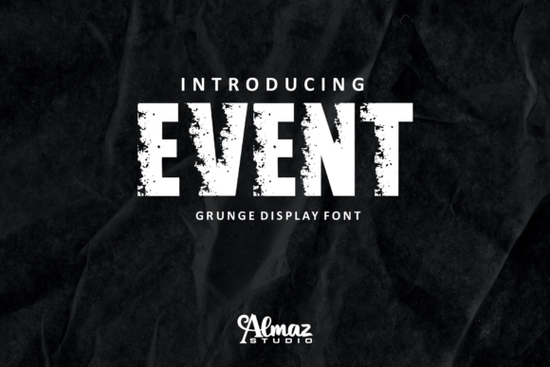
If you need a typeface that grabs attention without feeling overly polished, Event Font delivers exactly that. It is a bold, modern sans serif display font built with a deliberate grunge texture. The letters include subtle white patches and rough edges that give designs an immediate sense of strength and movement. Whether you are laying out a concert poster, branding a streetwear label, or creating print-on-demand apparel, this font handles heavy headlines while keeping a clean, readable structure underneath the distressed finish.
What makes this typeface stand out for headlines and branding?
The rough, weathered look is baked directly into the character shapes, which means you do not have to add external textures or complicated software filters to get that worn-in effect. The bold weight holds up well at large sizes, and the modern sans serif foundation keeps the letters from feeling messy or hard to scan. Designers often choose this style when they want a masculine, sporty, or futuristic vibe without sacrificing professionalism. The built-in grunge details also help mask minor printing variations, making it a reliable choice for screen printing, vinyl cuts, and direct-to-garment workflows where ink spread can sometimes blur fine details.
Which projects work best with a grunge display font?
Because the font leans heavily into display territory, it performs best when used sparingly for short phrases, titles, or brand marks. Here are a few places where it naturally fits:
- Apparel and merch: Bold chest prints, sleeve graphics, and hat embroidery where a rugged aesthetic matches the product.
- Event promotions: Concert flyers, festival banners, and sports tournament posters that need instant visual impact.
- Digital ads and thumbnails: High-contrast social media graphics where the white patches create natural texture against solid backgrounds.
- Brand identities: Logos and wordmarks for gyms, automotive shops, tech startups, or outdoor gear companies.
If you are building a broader font library for different moods, you might also explore a clean script like a softer handwritten style for contrast, or test a darker atmospheric option such as a moody seasonal typeface when your project calls for something more thematic.
How do I pair a rough display font with other typefaces?
Grunge display fonts carry a lot of visual weight, so they need breathing room and a neutral partner. Stick to simple, highly legible sans serifs or classic serifs for body copy, pricing details, and disclaimers. Keep the display font reserved for headlines, short taglines, or accent words. When you are experimenting with layout, try placing the rough text over a solid color block or a muted photograph so the white patches do not clash with busy backgrounds. For projects that need an urban or hand-painted feel, you can layer it alongside a street-inspired lettering style to create depth, or swap in a collegiate block font when the design leans toward team apparel or school merchandise. If you prefer a more minimalist approach, a clean geometric display can balance the roughness while keeping the overall composition sharp.
What should I check before using it in commercial designs?
Always review the license file that comes with your download. Display fonts often include different permissions for personal projects, small business sales, and large-scale commercial distribution. Make sure the package contains the file formats your software requires, typically OTF or TTF for design programs and sometimes WOFF for web use. Before sending anything to print, run a quick test at the actual output size. Rough textures can sometimes fill in or disappear when scaled down too far, especially on porous materials like cotton or uncoated paper. Adjust tracking slightly if the white patches make certain letter combinations feel too tight, and always convert text to outlines before handing files off to a printer or manufacturer.
Before you finalize your design, run through this quick checklist:
- Confirm the license covers your intended sales channel or client work.
- Test the font at full print size to ensure the grunge details remain crisp.
- Pair it with a simple, readable typeface for any supporting text.
- Use high-contrast backgrounds so the built-in white patches stay visible.
- Outline the text and package all assets before sending to production.
Download the font, run a few mockups, and see how the rough texture interacts with your brand colors. A quick test print or digital preview will tell you exactly where this typeface fits in your workflow.
Try It Free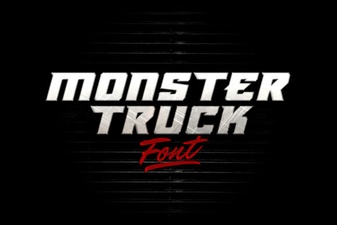 Typography Tools for Monster Truck Design Projects
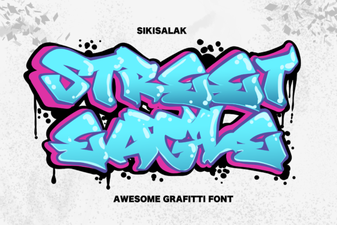 Street Eagle Font | Modern Graffiti Typography
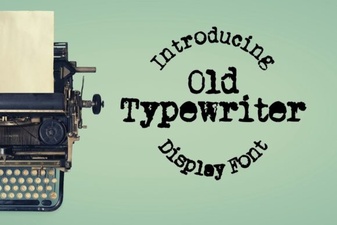 Designing with Vintage Typewriter Fonts
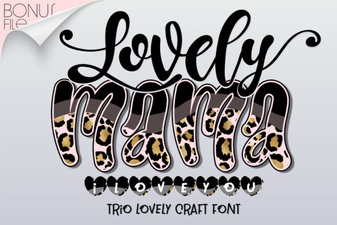 Crafting Heartfelt Messages with Lovely Mama Fonts
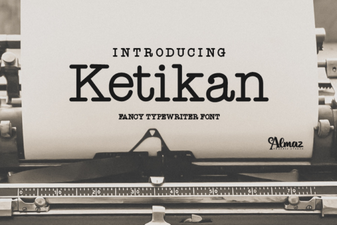 Artisanal Ketikan Font Design for Handmade Projects
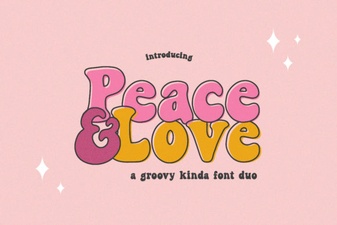 Peace & Love Fonts for Creative Design Projects