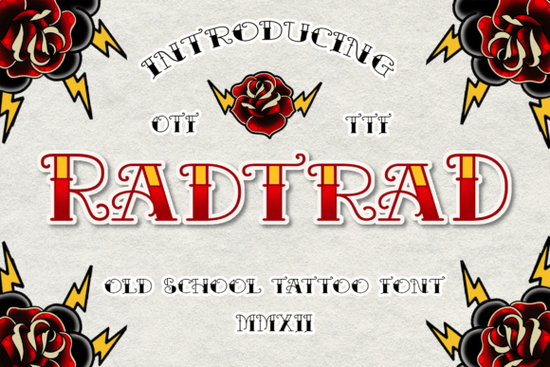
If you are looking for a typeface that captures the raw, hand-drawn feel of classic tattoo art, Radtrad Font delivers exactly that. It combines a traditional blackletter structure with a set of skull dingbats, giving you everything you need to build vintage-style graphics without hunting for extra assets. Whether you run a print-on-demand shop, design merch for a small clothing brand, or just enjoy crafting custom posters, this font keeps your workflow simple and your results consistent.
What makes this typeface work for vintage and tattoo-style projects?
Blackletter fonts often lean too formal or overly decorative, but this one strikes a practical balance. The letterforms carry that heavy, ink-stamped weight you expect from old-school flash art, while the included skull symbols let you add quick accents without switching to a separate graphic pack. The spacing is already optimized for headlines, so you will not need to spend extra time adjusting kerning for short titles or badge layouts. For crafters cutting vinyl or screen printers working with limited color layers, the clean edges translate well to both digital mockups and physical production.
Where can you actually use a blackletter font like this?
You will get the most value when you match the font to projects that need a bold, nostalgic presence. Think product logos, package labels, and short headline text where the letters can stand on their own. It works particularly well for clothing brand tags, event posters, and retro-style badges. If you are building a collection of display typefaces, you might also explore an older motorcycle-inspired lettering style for rougher textures, or try a sharper gothic option when you need cleaner lines for modern streetwear. For projects that lean into West Coast aesthetics, a script-heavy chicano design can complement the heavy block letters nicely. When you want to keep everything in one place, the full typeface package includes the base characters and dingbats ready for commercial use.
How do you pair it with other design elements?
Heavy display fonts do not need much competition on the page. Stick to a simple sans-serif for body copy or fine print, and let the blackletter handle the main title. When you add the skull dingbats, treat them like small illustrations rather than repeating patterns. One or two placed near the corners of a label or centered above a logo mark usually works best. If you are designing for print-on-demand platforms, test your layout on dark and light garment colors before uploading. The thick strokes hold up well on black shirts, but you may need to add a subtle outline or drop shadow when printing on lighter fabrics to keep the edges crisp.
What should you know before downloading and installing?
Make sure your design software supports OpenType or TrueType files, which cover most standard programs like Illustrator, Photoshop, Canva, and Cricut Design Space. After installation, restart your application so the new characters appear in your font menu. The dingbats are usually mapped to standard keyboard symbols, so you can find them by typing brackets, numbers, or punctuation marks while the font is active. If you plan to sell finished products, check the license details to confirm commercial rights for your specific use case. You can also browse Radtrad Font directly to review file formats, licensing terms, and update notes from the creator.
Which file settings give the cleanest print results?
Vector formats will always give you the sharpest output, so export your final artwork as PDF, SVG, or EPS whenever possible. If you are working in raster programs, keep your canvas at three hundred DPI and avoid scaling the text up after rasterizing it. For heat transfer vinyl, mirror your design before cutting and use a medium pressure setting to prevent the fine inner cuts of the letters from lifting. Screen printers should aim for a slightly thicker emulsion coat to hold the heavy ink deposit without bleeding into the negative space.
Before you start your next project, run through this quick setup checklist:
- Install the font files and restart your design software
- Type out your headline and check for missing glyphs or spacing gaps
- Test the skull dingbats at different sizes to ensure they print clearly
- Pair with a lightweight sans-serif for any required fine print
- Export a high-resolution proof and verify license coverage for commercial sales
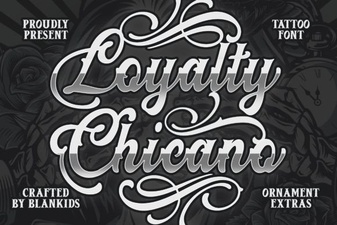 Unlock Style with Loyalty Chicano Font Designs
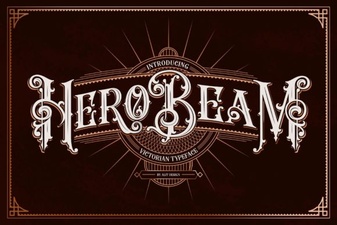 Hero Beam Font: Perfect Pairings for Creative Projects
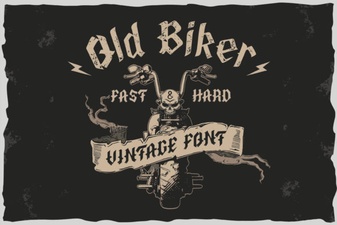 Harness the Power of Classic Biker Fonts
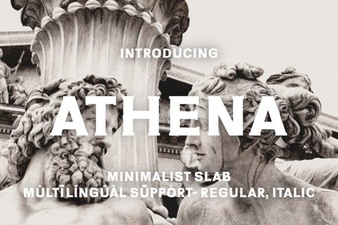 Athena Font: Elegant Typography for Modern Design
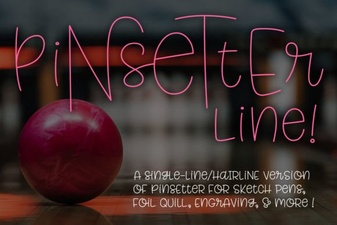 Single Line Fonts for Creative Design & Typography
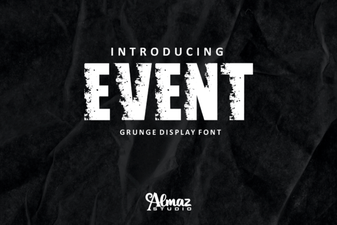 Creative Font Pairings for Event Design