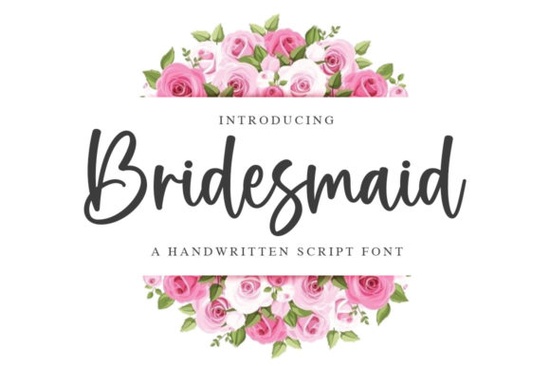
If you need a handwritten style that feels polished without looking stiff, Bridesmaid Font delivers exactly that. This delicate script brings a quiet sophistication to wedding stationery, boutique branding, and everyday craft projects. Instead of heavy strokes or exaggerated loops, it relies on clean lines and thoughtful letter connections that read clearly at both small and large sizes. Designers and small business owners often choose it when they want a refined look that still feels personal and approachable.
What makes this script font stand out?
The strength of this typeface lies in its carefully drawn alternates and built-in ligatures. You get multiple options for common letters, which means you can avoid repetitive shapes and give your text a more authentic, hand-lettered rhythm. The PUA encoding removes the usual hassle of hunting down special characters. Every swash, tail, and decorative glyph maps directly to your keyboard, so you can pull them up in standard design software without extra plugins. This setup saves time when you are adjusting monograms, tweaking logos, or setting up batch orders for print-on-demand products.
Which projects work best with these letterforms?
Because the strokes stay light and the spacing remains open, this font fits naturally into layouts that need a touch of elegance without overwhelming the page. Wedding planners use it for invitation suites, place cards, and thank-you notes. Crafters rely on it for vinyl decals, laser-cut wood signs, and sublimation transfers where fine details must hold up during production. Small businesses and online sellers often apply it to product labels, packaging stickers, and social media graphics that require a consistent, upscale feel. If you sell digital templates or printable art, the clean curves translate well to both screen previews and physical prints.
How do you access the extra glyphs and swashes?
Working with the alternate characters is straightforward once you know where to look. In programs like Illustrator, Photoshop, or InDesign, open the Glyphs panel to see the full character set. You can also use the built-in OpenType features menu to toggle contextual alternates and standard ligatures on or off. For Cricut Design Space or Silhouette Studio, the PUA encoding means every decorative element appears in the character map, so you can copy and paste swashes directly into your canvas. Keep your line height slightly loose to give the descending tails room to breathe, and avoid tracking the letters too tightly, since script fonts rely on natural connections to maintain readability.
What should you pair it with for balanced layouts?
A delicate script always needs a steady companion to keep the design grounded. Simple sans-serif or clean serif typefaces work best because they let the handwritten style take the spotlight without competing for attention. If you enjoy experimenting with different moods, you might test it alongside a playful handwritten option like a lighter casual script for accent words, or switch to a festive alternative such as a seasonal lettering style when designing holiday cards. For moodier branding projects, a quiet, understated typeface similar to a minimalist handwritten font can create nice contrast in subheadings. When you need something with a bit more structure for body text, a clean geometric companion keeps the layout readable, while a soft rounded alternative works well for short captions or product tags.
Is this the right choice for your next design?
If your goal is to add a polished, hand-drawn touch to invitations, packaging, or digital templates, this typeface covers the essentials without unnecessary complexity. The included ligatures handle awkward letter combinations automatically, and the PUA mapping ensures you never lose access to the decorative elements that make custom lettering feel unique. You can find Bridesmaid Font on Creative Fabrica, where the download includes the standard font files, a complete glyph set, and a quick reference guide for accessing the alternates.
Before you start your next layout, run through this quick setup checklist:
- Install the OTF or TTF files and restart your design software to refresh the font menu.
- Open the Glyphs panel and pin your favorite swashes to a separate layer for easy swapping.
- Set line spacing to at least 1.4 times the font size so descending tails do not overlap.
- Pair the script with a simple sans-serif for body copy and keep the script size above 18pt for print clarity.
- Run a test print or cut on your final material to verify that thin strokes hold up before producing the full batch.
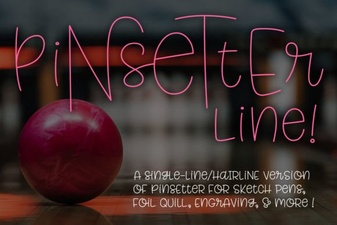 Single Line Fonts for Creative Design & Typography
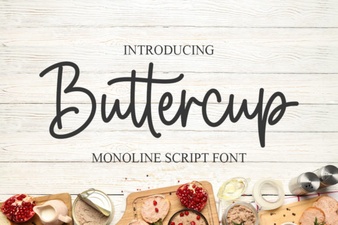 Discover the Charm of Buttercup Font for Design
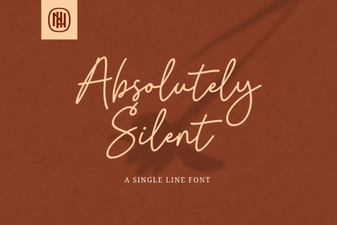 Choosing Fonts for Quiet, Minimalist Design
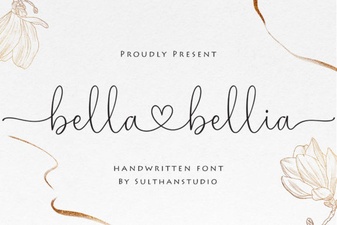 Bella Bellia Font: Elegant Design for Creative Projects
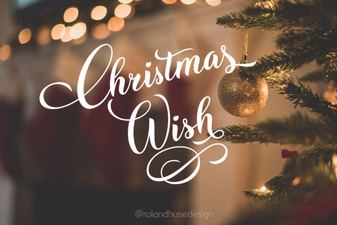 Christmas Fonts for Your Holiday Card Wishes
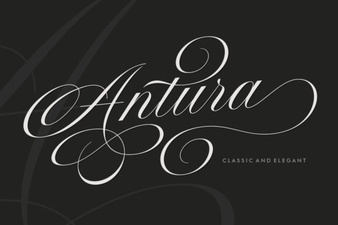 Antura Font: a Creative Typography Tool